



Choosing the Right Smart Board for Modern Classrooms
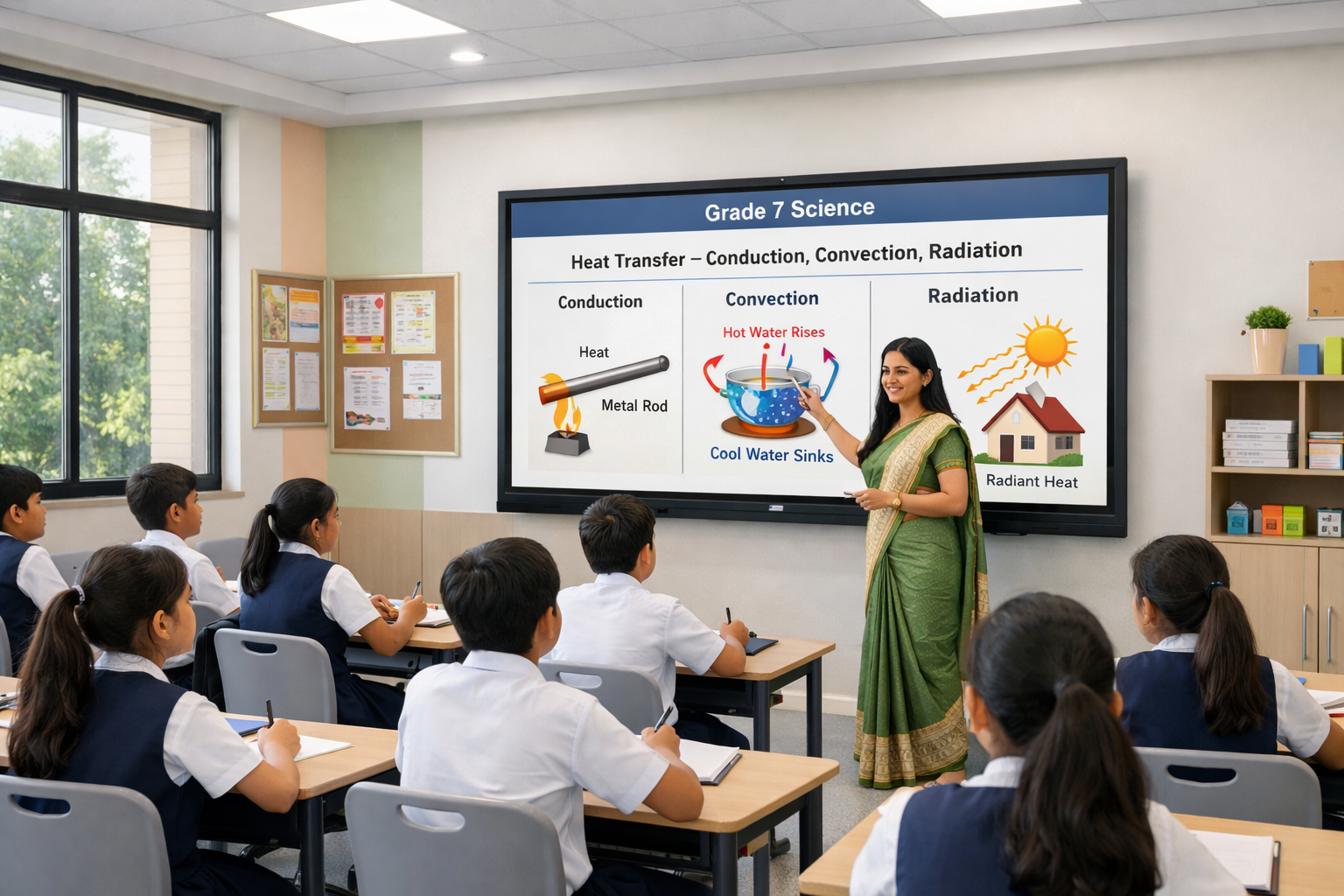
Smart Boards are becoming an important part of digital classrooms across India. Schools, colleges, universities, and other educational institutions are using interactive displays to make lessons more visual, encourage classroom participation, and give educators easier access to digital learning resources.
However, choosing a Smart Board involves more than comparing screen sizes or display quality. Educational institutions also need to consider the operating system, interactive experience, teaching features, application access, collaboration capabilities, and long-term support.
Several established brands provide interactive classroom displays in India. Here are some of the best Smart Board brands in India that institutions can consider for modern teaching environments.
Top Smart Board Brands in India
1. Teachmint X – Smart Board for Teaching
Teachmint X Smart Board for Teaching is designed specifically around educational use cases. Rather than focusing only on displaying digital content, it brings together AI-assisted teaching, interactive classroom tools, cloud whiteboarding, and connected academic workflows.
This makes Teachmint X relevant for schools and educational institutions looking to make digital tools a regular part of everyday teaching.
EduAI Assistant
The EduAI Assistant helps teachers prepare classroom materials and activities with AI assistance.
Educators can use it to create:
- Lesson plans
- Quizzes
- Question banks
- Practice exercises
- Classroom activities
- Topic explanations
- Revision materials
Teachers can modify the generated content according to their subject, grade, curriculum, and classroom requirements.
Google EDLA Certified with Android 16
Teachmint X comes Google EDLA Certified with Android 16, providing secure access to compatible educational applications and Google services.
It offers enhanced performance, enterprise-grade security, and reliable long-term software updates for classroom use.
Connected Classroom Tools
Connected Classroom Tools help educators bring different academic activities into a more unified classroom experience.
Teachers can work with learning materials, assignments, assessments, and other teaching workflows while using the Smart Board.
Interactive Multi-Touch Experience
Teachers and students can write, annotate, highlight, solve problems, and interact directly with classroom content.
The multi-touch experience can also support collaborative activities where students participate directly at the board.
Cloud Whiteboard Sync
Teachers can create diagrams, notes, explanations, equations, and classroom activities using the digital whiteboard.
Cloud Whiteboard Sync helps preserve this work digitally so educators can revisit classroom content and continue discussions in future sessions.
Built-in Camera and Microphone
The integrated camera and microphone can support hybrid classes, virtual guest sessions, online workshops, teacher training, and remote academic interactions.
2. Samsung
Samsung provides interactive displays for education and professional environments. Its interactive display portfolio focuses on visual presentation, touch interaction, digital writing, and content-sharing capabilities.
Schools evaluating Samsung can compare individual models based on their classroom requirements, software ecosystem, connectivity, and deployment needs.
3. SMART Board
SMART is a widely recognized name in interactive classroom displays.
SMART Board products are designed around interactive instruction and collaborative classroom experiences. Depending on the model and software configuration, institutions can use them for digital writing, lesson presentation, and student participation.
Schools should evaluate available models based on curriculum requirements, software compatibility, and local support.
4. Promethean
Promethean offers interactive displays developed for teaching and learning environments.
Its panels can support digital lesson delivery, annotation, classroom interaction, and collaborative activities. Promethean may be considered by institutions looking for an established international interactive display brand.
5. ViewSonic
ViewSonic offers interactive displays through its education-focused product portfolio.
Its classroom displays support digital writing, content presentation, and collaborative activities. Schools can compare available ViewSonic models according to display requirements, software features, connectivity, and classroom deployment plans.
6. BenQ
BenQ provides interactive displays designed for education as well as other professional environments.
Depending on the model, its interactive boards offer features for digital writing, content presentation, classroom collaboration, and application access.
Educational institutions can evaluate BenQ alongside other Smart Board brands based on their specific teaching and infrastructure requirements.
7. LG
LG also provides interactive displays that can be used in educational and collaborative environments.
Its interactive display portfolio includes options for content presentation, writing, and classroom interaction. Schools considering LG should evaluate individual products according to their required features, compatibility, and support availability.
What Makes a Good Smart Board for Teaching?
The best Smart Board for a school is not necessarily the one with the longest specification sheet. It should fit naturally into everyday classroom teaching.
Institutions can evaluate Smart Boards using the following factors:
Interactive Writing Experience
Writing should feel responsive and comfortable enough for teachers to use the board regularly for explanations, equations, diagrams, and annotations.
AI Tools for Educators
AI-assisted capabilities can help teachers reduce time spent preparing routine classroom resources and provide new ways to create learning activities.
Operating System
A modern operating system can affect application compatibility, security, performance, and the overall classroom experience.
For Android-based Smart Boards, schools can also consider whether the device has Google EDLA certification.
Classroom Connectivity
Teachers frequently need to work with presentations, documents, videos, applications, and other digital resources. Connectivity and content-sharing options therefore matter for everyday teaching.
Cloud Capabilities
Cloud-enabled whiteboarding can help educators preserve classroom work instead of losing everything written on the board after a lesson ends.
Camera and Microphone
Integrated audio-video capabilities can make it easier to conduct virtual sessions, guest lectures, hybrid classes, and teacher training.
Training and After-Sales Support
Schools may deploy Smart Boards across multiple classrooms and expect teachers with different levels of technical familiarity to use them.
Teacher onboarding, product training, maintenance, and post-installation support should therefore be considered alongside hardware features.
Smart Boards for Different Educational Institutions in India
Smart Boards can support different teaching environments depending on how they are implemented.
Schools can use them for visual explanations, interactive exercises, quizzes, videos, and student participation.
Colleges and universities can use Smart Boards for lectures, presentations, seminars, collaborative projects, and hybrid academic sessions.
International schools can integrate them into inquiry-based, project-based, and collaborative learning approaches.
Educational institutions can therefore choose features based on their curriculum, classroom size, teaching methodology, and digital learning goals.
Why Consider Teachmint X?
For institutions comparing the best Smart Board brands in India, Teachmint X provides an education-focused combination of interactive and connected classroom capabilities.
EduAI Assistant supports teachers with content and classroom preparation. Google EDLA Certified with Android 16 provides a secure and modern environment for educational applications. Interactive Multi-Touch Experience encourages classroom participation, while Cloud Whiteboard Sync helps preserve teaching content.
Along with Connected Classroom Tools and a Built-in Camera and Microphone, these capabilities help Teachmint X support different teaching formats within modern educational institutions.
Conclusion
The growing adoption of Smart Boards in India reflects a broader shift toward interactive and digitally enabled teaching. Brands such as Teachmint X, Samsung, SMART Board, Promethean, ViewSonic, BenQ, and LG provide different options for institutions exploring interactive classroom displays.
The right choice should ultimately depend on more than display specifications. Schools and educational institutions should consider teaching features, ease of use, operating system, application access, interactive capabilities, cloud tools, educator support, and long-term classroom requirements.
For institutions seeking an education-focused Smart Board, Teachmint X Best Smart Board for Teaching combines EduAI Assistant, Google EDLA Certified with Android 16, Connected Classroom Tools, Interactive Multi-Touch Experience, Cloud Whiteboard Sync, and a Built-in Camera and Microphone for modern classroom teaching.