



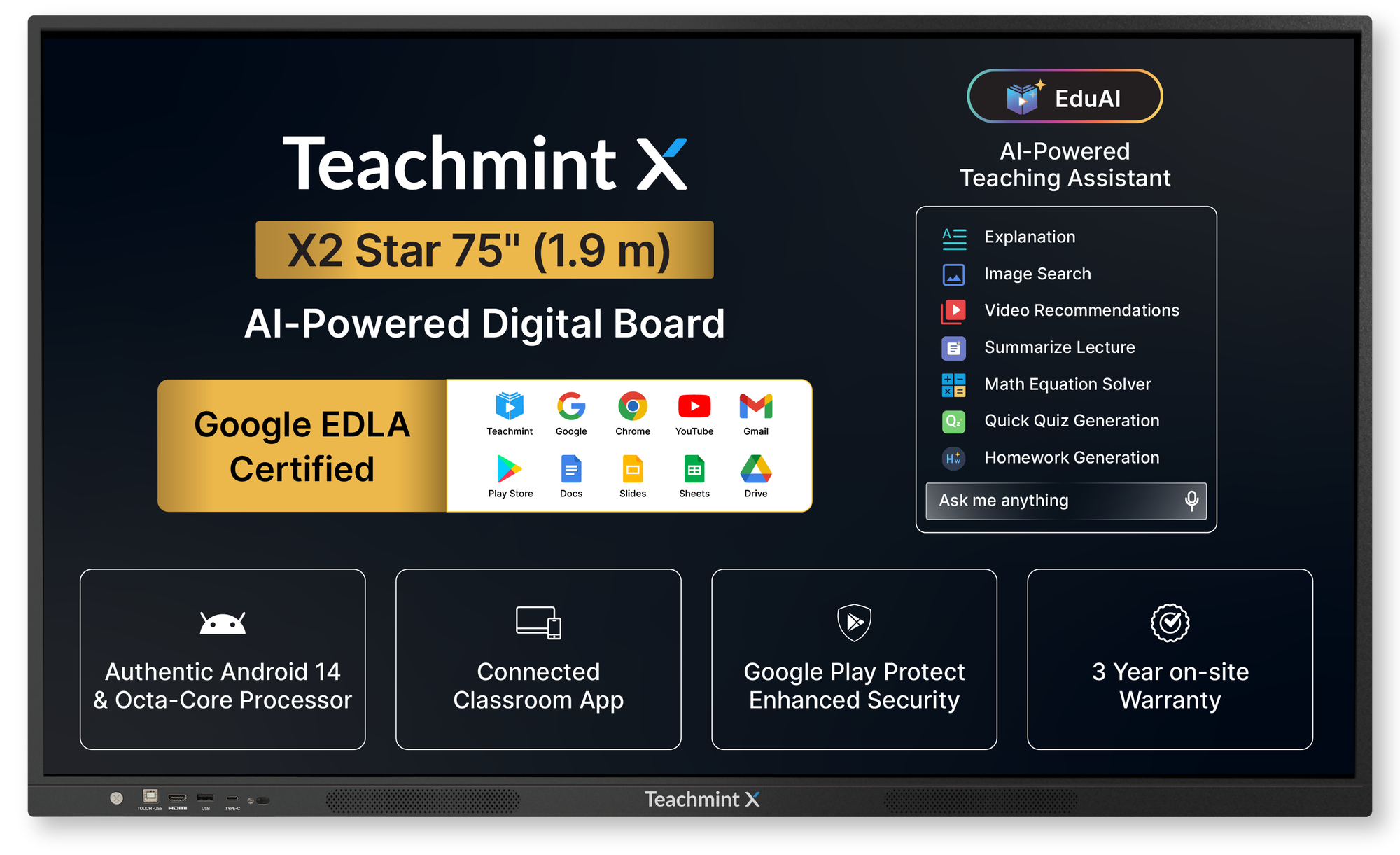
Managing classroom technology doesn’t end after installation. For schools and educational institutes, keeping track of device warranty details is essential to ensure uninterrupted teaching and long-term reliability. However, warranty information is often scattered across invoices, emails, or manual records making it difficult to access when it’s needed most.
The Teachmint X Warranty Checker simplifies this process by giving institutes a clear, quick, and reliable way to check warranty status, helping administrators manage devices with confidence.
The Challenge of Managing Device Warranty in Institutes
As institutes adopt more digital classroom devices, warranty tracking becomes increasingly complex. Common challenges include:
- Difficulty locating warranty details during service requests
- Dependence on physical documents or manual records
- Delays caused by uncertainty around warranty validity
- Lack of transparency across multiple classrooms or devices
These issues can slow down issue resolution and disrupt classroom operations.
A Smarter Way to Check Warranty with Teachmint X
The Warranty Checker on Teachmint X is designed to remove this complexity. Instead of searching through paperwork or contacting multiple teams, institutes can check warranty information instantly using a simple, digital process.
This ensures that warranty details are always accessible when required saving time and reducing operational friction.
How to Check Warranty Details on Teachmint X
To check warranty details for a Teachmint X device, you’ll need the product serial number.
Step 1: Find the Serial Number
You can locate the serial number:
- On the device label (usually on the back/side)
- On the product packaging
- On the purchase/delivery documents (if available)
Step 2: Use the Warranty Checker
Once you have the serial number:
- Open the Teachmint X Warranty Checker
- Enter the serial number
- Submit to view warranty details
Step 3: View Warranty Status
You can see the device’s warranty status and coverage, making it easier to raise service requests without delays.
Clear and Transparent Warranty Visibility
The Teachmint X Warranty Checker provides institutes with:
- Easy access to device warranty status
- Clear visibility into warranty coverage timelines
- Confidence during support or service requests
With transparent warranty information available at the right time, administrators can make quicker and better-informed decisions.
Simplifying Support and Service Coordination
Warranty clarity plays a key role in faster issue resolution. When warranty information is readily available:
- Support requests can be raised without delays
- Service coordination becomes smoother
- Classrooms experience minimal downtime
The Teachmint X Warranty Checker ensures that institutes are always prepared, reducing uncertainty during critical moments.
Built for Institutes Managing Multiple Devices
For institutes handling multiple classrooms or devices, manual warranty tracking can quickly become unmanageable. The Warranty Checker helps:
- Centralize warranty visibility
- Reduce dependency on manual record-keeping
- Improve administrative efficiency
This makes device management simpler and more organized across the institution.
Why Institutes Trust the Teachmint X Warranty Checker
Institutes choose the Teachmint X Warranty Checker because it:
- Eliminates confusion around warranty information
- Saves administrative time
- Supports faster service resolution
- Provides peace of mind for long-term device use
It complements Teachmint X’s broader commitment to reliable classroom technology and institutional support.
Conclusion: Warranty Management Made Simple
Warranty management shouldn’t be complicated. The Teachmint X Warranty Checker brings clarity, transparency, and ease to an otherwise manual process helping institutes stay prepared and confident.
By simplifying how warranty information is accessed and managed, Teachmint X ensures that schools can focus on teaching continuity while maintaining reliable classroom infrastructure.