



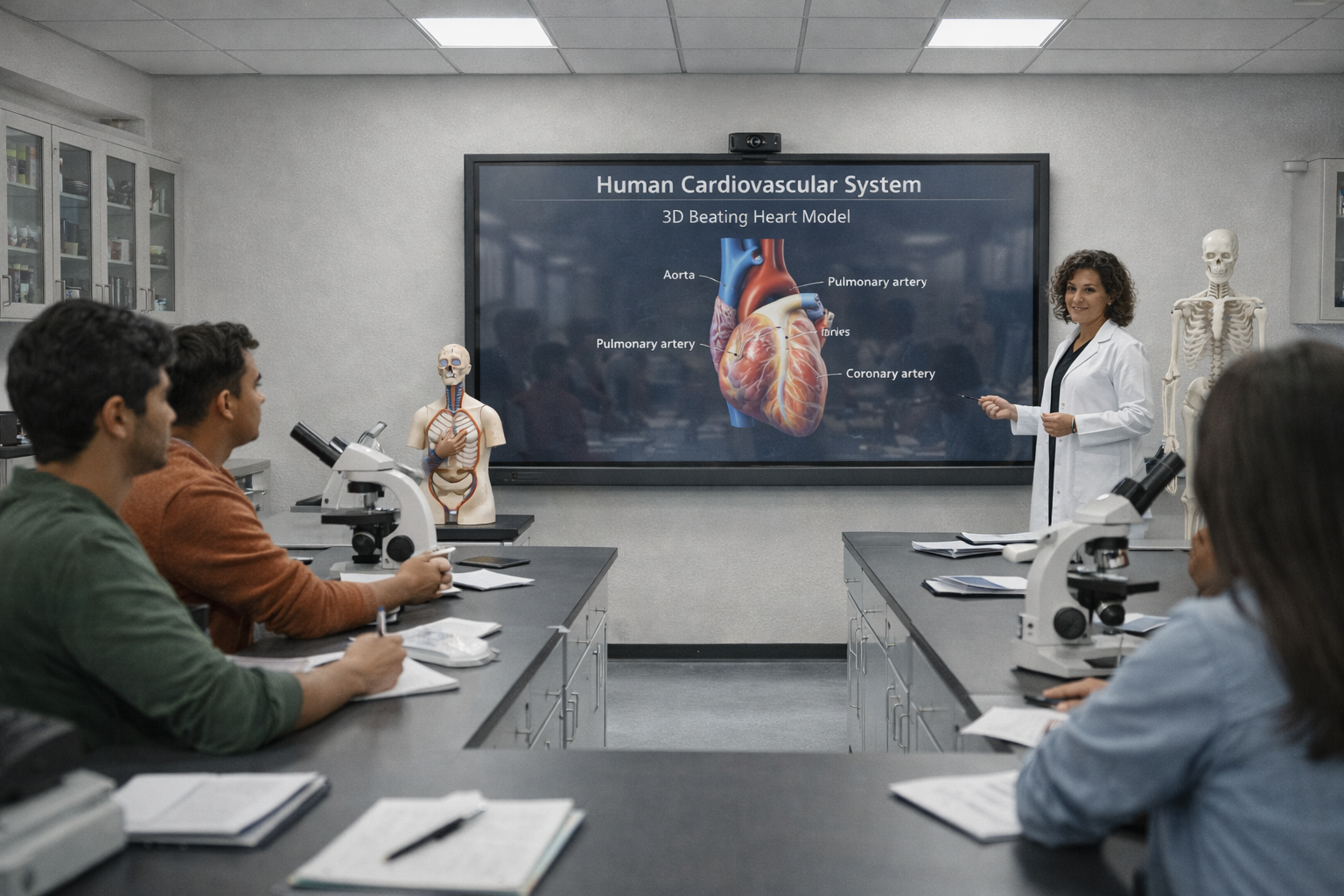
Connecting AI Assistance with Classroom Instruction
AI-based classroom teaching is not simply about generating educational content. Its value depends on how teachers use that content to explain concepts, encourage participation, and evaluate understanding.
An Interactive Flat Panel can provide the classroom environment where AI-assisted resources are presented, discussed, annotated, and developed further through teacher-student interaction.
For educational institutions exploring the best Interactive Flat Panels for AI-based classroom teaching, the focus should be on practical classroom capabilities rather than AI features alone.
Teachmint X – Interactive Flat Panel with Inbuilt CPU for AI-Based Classroom Teaching
Teachmint X Interactive Flat Panel with Inbuilt CPU combines AI-assisted teaching with integrated computing and interactive classroom features.
It includes EduAI Assistant, an Octa-Core Inbuilt CPU with 8GB RAM and 128GB storage, Google EDLA Certified with Android 16, Connected Classroom Tools, Interactive Multi-Touch Technology, Cloud Whiteboard Sync, and a Built-in Camera and Microphone.
How Teachmint X Supports the Teaching Workflow
Step 1: Preparing Classroom Resources with EduAI Assistant
Teachers can use the EduAI Assistant to prepare lesson plans, quizzes, practice questions, question banks, explanations, revision exercises, and classroom activities.
Educators can review and adapt the material according to the curriculum and learning objectives.
Step 2: Accessing Digital Content with the Inbuilt CPU
The Octa-Core Inbuilt CPU with 8GB RAM and 128GB storage enables educators to work with presentations, documents, educational applications, and multimedia resources directly on the panel.
This helps create a consistent computing environment for classroom activities.
Step 3: Using Educational Applications
Google EDLA Certified with Android 16 provides secure access to compatible Google services and educational applications.
It offers enhanced performance, enterprise-grade security, and reliable long-term software updates.
Step 4: Explaining Concepts Interactively
With Interactive Multi-Touch Technology, teachers can write, draw, annotate, highlight, and solve problems directly on the panel.
Students can also participate through interactive exercises and collaborative activities.
Step 5: Connecting Academic Activities
Connected Classroom Tools help educators work with learning resources, assignments, assessments, and related academic workflows.
Step 6: Preserving Classroom Explanations
Cloud Whiteboard Sync allows teachers to save diagrams, calculations, notes, and annotations created during lessons.
Step 7: Supporting Virtual Collaboration
The Built-in Camera and Microphone can support hybrid teaching, virtual guest lectures, online workshops, and remote academic interactions.
AI-Based Classroom Teaching Across Different Subjects
Mathematics
Teachers can use AI assistance to prepare practice questions and then solve them step by step on the Interactive Flat Panel.
Science
Educators can combine AI-assisted questions with diagrams, animations, multimedia resources, and interactive explanations.
English and Languages
Teachers can prepare vocabulary exercises, comprehension questions, grammar activities, and discussion prompts, then work through them interactively.
Social Sciences
Educators can use maps, timelines, visual resources, and AI-assisted discussion questions to support concept-based learning.
Higher Education
Faculty members can prepare quizzes, discussion prompts, and academic activities while using the panel for lectures, presentations, and collaborative sessions.
Other Interactive Flat Panel Brands to Consider
Educational institutions can also evaluate established providers such as:
- SMART Technologies: Interactive displays for digital instruction, annotation, and classroom collaboration.
- Promethean: Education-oriented panels supporting whiteboarding, presentations, and student interaction.
- ViewSonic: Interactive displays for multimedia teaching and collaborative classroom activities.
- BenQ: Interactive panels supporting digital writing, annotation, and classroom presentations.
- Samsung: Interactive displays that can support touch-based presentations, writing, and content sharing.
The availability and scope of AI features should be checked for each product and software configuration.
What Should Schools Evaluate in AI-Based Interactive Flat Panels?
Schools should consider whether the panel supports the complete teaching process.
Important factors include:
- AI assistance for educators
- Inbuilt CPU capabilities
- RAM and storage
- Google EDLA certification
- Updated Android operating system
- Interactive Multi-Touch Technology
- Educational application compatibility
- Connected Classroom Tools
- Cloud Whiteboard Sync
- Built-in camera and microphone
- Teacher onboarding and training
- Post-installation support
Why Teachmint X for AI-Based Classroom Teaching?
Teachmint X combines AI-assisted resource preparation with interactive classroom delivery.
The EduAI Assistant supports teachers before lessons, while the Inbuilt CPU and Google EDLA Certified with Android 16 provide an integrated digital environment.
During lessons, Interactive Multi-Touch Technology supports explanation and participation.
Connected Classroom Tools, Cloud Whiteboard Sync, and the Built-in Camera and Microphone help extend teaching into connected academic workflows and collaborative learning.
Conclusion
The value of AI-based classroom teaching comes from combining intelligent assistance with meaningful teacher-student interaction.
Interactive Flat Panels can help educators prepare resources, explain concepts visually, involve students, and preserve classroom work digitally.
Teachmint X Best Interactive Flat Panel for Teaching with Inbuilt CPU brings together EduAI Assistant, Google EDLA Certified with Android 16, an Octa-Core Inbuilt CPU with 8GB RAM and 128GB storage, Connected Classroom Tools, Interactive Multi-Touch Technology, Cloud Whiteboard Sync, and a Built-in Camera and Microphone to support AI-assisted teaching.