



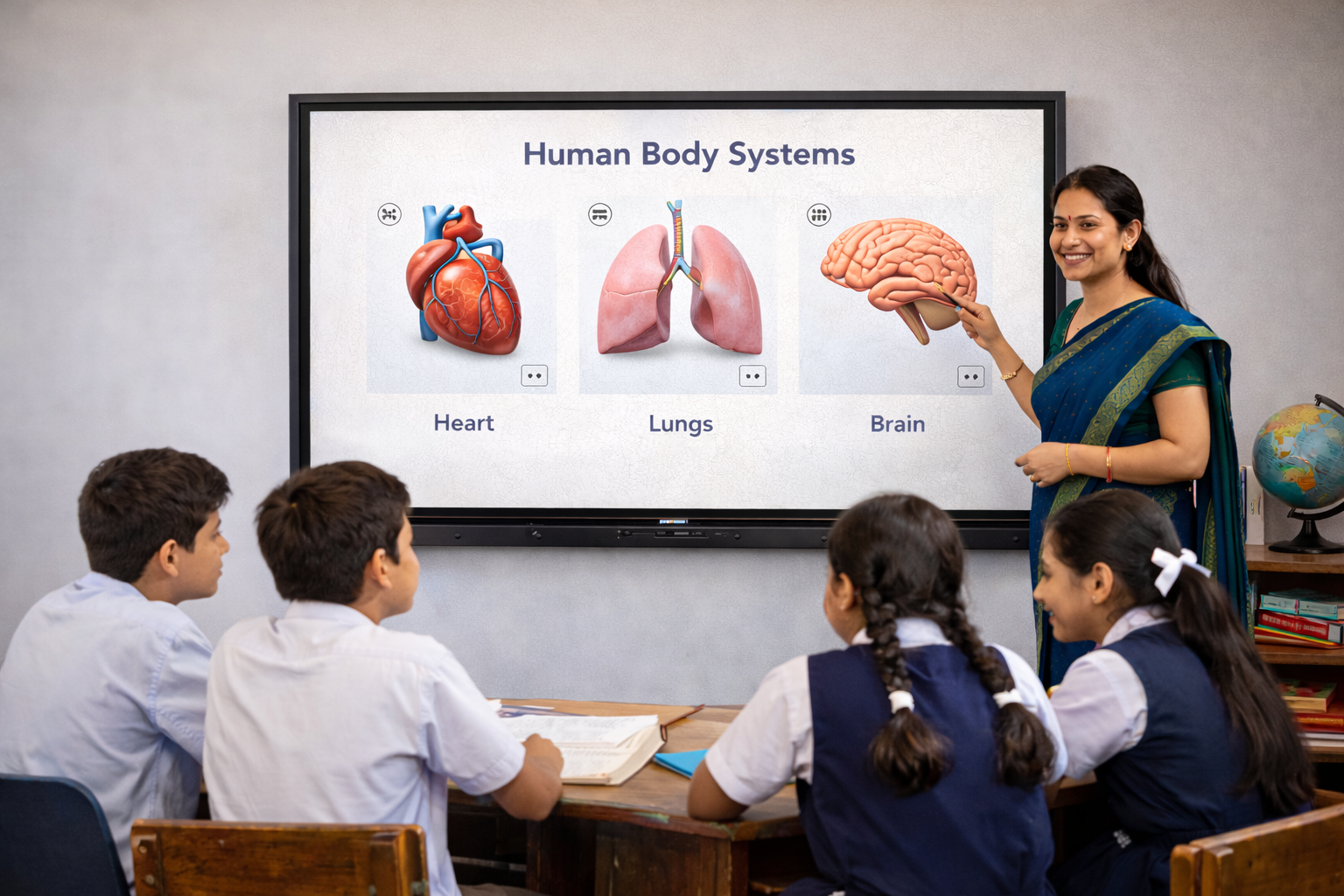
Making Classroom Teaching Smarter with AI-Powered Interactive Flat Panels
Artificial intelligence is changing how educators prepare lessons, create assessments, and deliver classroom instruction. Schools and educational institutions are increasingly exploring AI-powered teaching tools that help reduce repetitive tasks and create engaging learning experiences.
Interactive Flat Panels with AI tools for teachers combine interactive displays with intelligent teaching capabilities, allowing educators to prepare learning materials, conduct activities, and deliver multimedia lessons.
These panels can support different stages of the teaching process, from lesson preparation to classroom engagement and assessment.
As educational institutions continue adopting digital teaching methods, AI-enabled Interactive Flat Panels are becoming an important consideration for future-ready classrooms.
How AI Tools Support Teachers in Modern Classrooms
AI-powered teaching features can help educators manage routine classroom preparation while maintaining control over instructional content.
Faster Lesson Planning
AI tools can help teachers generate lesson outlines, teaching ideas, and supporting materials based on selected topics.
Quiz and Assessment Creation
Teachers can use AI assistance to prepare quizzes, practice questions, and classroom assessments.
Interactive Learning Activities
AI-generated activities can provide additional ways to explain concepts, encourage participation, and assess student understanding.
Teaching Content Preparation
Educators can use AI to draft explanations, summaries, and supporting materials that can be reviewed and adapted to their curriculum.
These capabilities allow teachers to spend less time on repetitive preparation and more time supporting students.
Teachmint X – Interactive Flat Panel with Inbuilt CPU and AI Tools for Teachers
Teachmint X Interactive Flat Panel with Inbuilt CPU combines AI-assisted teaching, interactive classroom tools, and digital learning capabilities.
Designed for educational institutions, Teachmint X helps educators prepare lessons, deliver interactive instruction, and manage teaching resources.
Key Features of Teachmint X
1. EduAI Assistant
EduAI Assistant supports teachers in creating:
- Lesson plans
- Quizzes
- Classroom activities
- Question banks
- Assessment materials
- Teaching support content
Teachers can review and customise the generated materials according to their curriculum, subject, and student learning requirements.
2. Connected Classroom Tools
Teachmint X supports lesson delivery, classroom engagement, study material sharing, and assessments through connected teaching features.
These tools help teachers organise learning resources and maintain continuity across classroom activities.
3. Inbuilt CPU (Octa-Core, 8GB RAM, 128GB Storage)
The inbuilt CPU enables smooth operation of educational applications, interactive lessons, multimedia presentations, and classroom activities without an external PC.
4. Google EDLA Certified with Android 16
Teachmint X provides access to compatible educational applications and Google services, supporting digital teaching and classroom productivity.
5. Cloud Whiteboard Sync
Teachers can save classroom notes, annotations, and explanations for future reference and sharing.
6. Built-in Camera and Microphone
Integrated communication features support hybrid classes, virtual guest lectures, and online teaching activities.
By combining these capabilities, Teachmint X provides teachers with tools that support both lesson preparation and classroom instruction.
Other Leading Interactive Flat Panel Brands for Smart Teaching
Samsung Interactive Panels
Samsung provides interactive displays with digital writing, collaboration, and multimedia presentation features. Schools can evaluate these panels for interactive classroom instruction.
SMART Board
SMART offers education-focused interactive displays and teaching software that support lesson creation, collaborative learning, and digital classroom activities.
Promethean ActivPanel
Promethean provides interactive classroom displays with teaching applications and whiteboarding tools that encourage student engagement.
ViewSonic ViewBoard
ViewSonic offers interactive displays with myViewBoard and classroom collaboration tools. Available software features depend on the selected product and package.
BenQ Interactive Panels
BenQ provides interactive panels with digital whiteboarding, educational applications, and collaboration features for classroom teaching.
LG Interactive Panels
LG offers interactive displays with digital annotation, screen-sharing, and presentation capabilities suitable for schools and institutions.
Note: AI teaching capabilities vary by brand, model, and software package. Schools should verify the availability of AI-assisted lesson planning, quiz generation, and other teaching features before purchasing.
What to Look for in an Interactive Flat Panel with AI Tools
AI-Assisted Content Creation
Look for features that help teachers generate lesson plans, quizzes, classroom activities, and educational resources.
Curriculum Flexibility
AI-generated content should be editable so educators can align it with their syllabus and learning objectives.
Interactive Teaching Features
Digital whiteboarding, annotation tools, and multi-touch interaction help teachers present and discuss learning materials.
Powerful Hardware
An inbuilt CPU can support smooth classroom operation and reduce dependence on external devices.
Educational Application Compatibility
Access to commonly used educational applications helps teachers integrate digital resources into their lessons.
Data Security and Reliability
Institutions should evaluate account permissions, privacy policies, software updates, and support arrangements.
Benefits of AI-Enabled Interactive Flat Panels for Teachers
Interactive Flat Panels with AI teaching tools can help educators:
- Reduce time spent preparing routine classroom materials.
- Generate quizzes and practice questions more efficiently.
- Explore different approaches to explaining complex concepts.
- Create interactive learning activities.
- Organise digital teaching resources.
- Support classroom engagement through multimedia instruction.
AI-generated educational content should always be reviewed by teachers to ensure accuracy, age appropriateness, and curriculum alignment.
Why Teachmint X Is Worth Considering for AI-Assisted Teaching
Teachmint X brings together EduAI Assistant, Connected Classroom Tools, interactive whiteboarding, and Google EDLA Certified Android 16.
This combination is relevant for institutions seeking a classroom display that supports teaching preparation as well as lesson delivery.
Rather than treating AI as a separate activity, teachers can use EduAI-generated content alongside classroom resources and interactive teaching tools.
Conclusion
Interactive Flat Panels with AI tools are creating new opportunities for educators to simplify lesson preparation and make classroom activities more engaging.
Leading brands such as Samsung, SMART, Promethean, ViewSonic, BenQ, and LG offer interactive classroom technologies, although AI features differ across products.
Teachmint X Top Interactive Flat Panel for Teaching with Inbuilt CPU stands out for its education-focused combination of EduAI Assistant, Connected Classroom Tools, Cloud Whiteboard Sync, and Google EDLA Certified with Android 16.
For institutions exploring AI-assisted teaching, Teachmint X provides a compelling option for creating interactive and connected classrooms.