



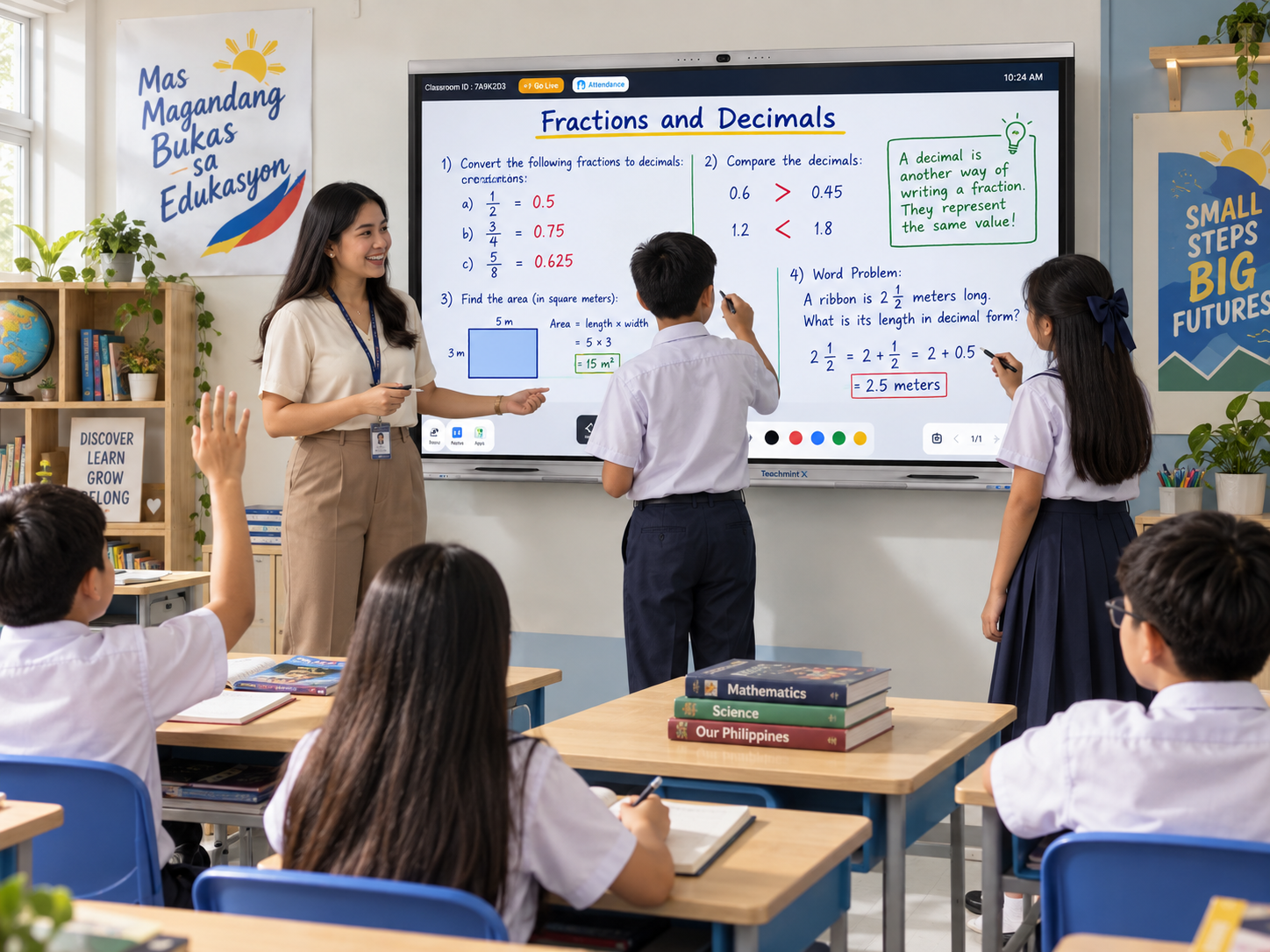
Interactive flat panels are becoming more advanced as artificial intelligence is integrated into classroom technology.
For educational institutions in the Philippines, an interactive flat panel with AI tools can provide more than touchscreen writing and presentations. It can help teachers work with educational content, solve problems, search for information, and create more interactive learning experiences.
However, schools should look carefully at what those AI tools actually do.
The most useful platforms are those where AI supports real classroom workflows.
What AI Tools Can an Interactive Flat Panel Offer?
Depending on the platform, AI tools may support:
- Mathematics problem solving
- Physics problem solving
- Educational search
- Voice interaction
- Smart handwriting
- Shape recognition
- Image-based search
- Lesson support
- Content explanation
- Classroom resource creation
The value depends on how easily teachers can access these tools during a lesson.
Teachmint X and EduAI
Teachmint X combines interactive classroom hardware with EduAI, an AI-powered teaching environment.
The AI tools are integrated into the interactive whiteboard, allowing teachers to work with AI while continuing to use the panel for normal classroom instruction.
Math and Physics Solver
Teachers can use AI-assisted tools while working through mathematics and physics problems.
This can be especially valuable in:
- Mathematics classrooms
- Physics lessons
- STEM education
- Engineering foundation courses
Teachers can combine handwritten explanations with AI-supported problem solving.
Voice AI
Voice-based interaction can help teachers use certain functions without relying entirely on touch.
This can make classroom interaction more natural, especially when teachers are moving around the room or working with several resources during a lesson.
AI Search on Images
Visual learning is important in many subjects.
AI-assisted image search can help teachers work with visual content and find additional educational context without leaving the teaching environment.
Smart Writing and Shape Recognition
Teachers frequently write quickly during lessons.
Smart writing and shape recognition can help transform handwritten content and rough shapes into clearer digital material.
This can be useful for:
- Diagrams
- Geometry
- Flowcharts
- Science illustrations
- Classroom notes
More Than AI Tools
An interactive panel still needs to perform well as a classroom display.
Teachmint X also provides:
- 4K interactive display
- Digital whiteboarding
- Google EDLA-certified environment
- Wireless screen sharing
- Built-in camera
- Microphone array
- Speakers
- Smart teaching tools
- Connected classroom functionality
This allows AI tools to sit within a broader digital classroom environment.
AI Tools for Different Subjects
Mathematics
Teachers can work through equations, calculations, graphs, and mathematical problems directly on the board.
Science
Educators can combine images, diagrams, multimedia, calculations, and AI-assisted explanations.
Languages
Teachers can use digital annotation, multimedia resources, educational search, and interactive content.
Social Studies
Maps, images, historical material, timelines, and digital resources can be used together.
Higher Education
Faculty members can use AI-powered panels for technical explanations, collaborative learning, academic presentations, and research discussions.
Other Interactive Flat Panel Brands in the Philippines
Schools can also consider brands such as ViewSonic ViewBoard, LG CreateBoard, Horion, Qeoyo, and Hikvision.
These brands offer interactive display solutions relevant to the Philippine market.
For AI-focused deployments, schools should check the exact AI teaching capabilities available with each model.
How to Evaluate AI Tools
Before buying, institutions should test AI tools using realistic classroom scenarios.
Ask teachers to:
- Solve a mathematics problem
- Search for educational information
- Work with an image
- Use voice interaction
- Write and annotate content
- Switch between AI and whiteboarding
The right platform should make these activities feel natural.
Conclusion
An interactive flat panel with AI tools in the Philippines can help teachers move beyond basic touchscreen teaching.
When AI tools such as problem solving, educational search, voice interaction, and smart writing are integrated into the classroom workflow, the panel can become a more useful teaching platform.
Teachmint X combines these capabilities through EduAI and an AI-enabled interactive whiteboard, making it a strong option for schools and universities exploring AI-powered classroom technology.