



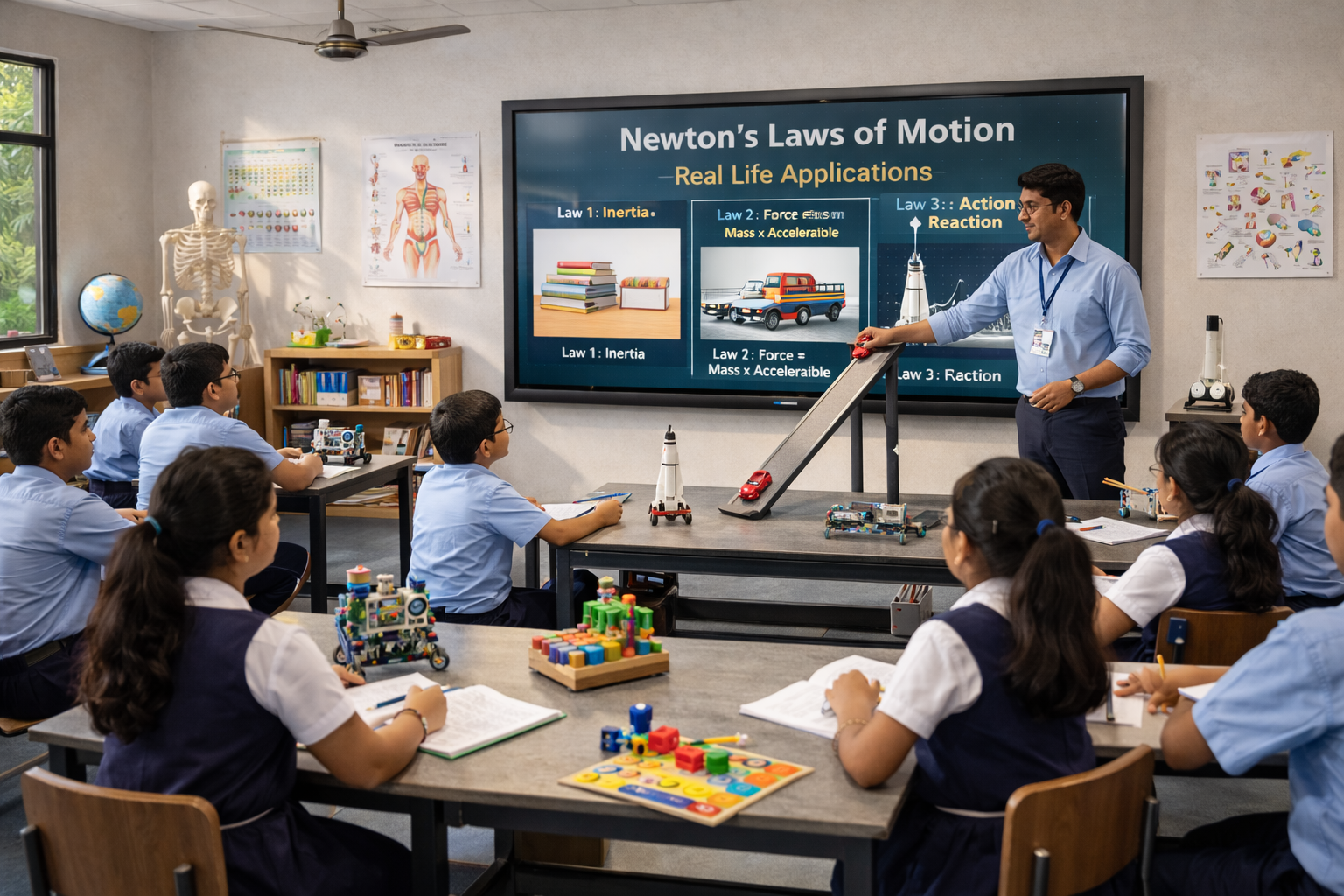
AI-Powered Interactive Panels Are Changing How Teachers Teach
Artificial intelligence is becoming increasingly relevant in modern classrooms, not as a replacement for educators but as a tool that can help them prepare, present, and adapt lessons more efficiently. When AI teaching tools are combined with Interactive Flat Panels (IFPs), teachers can move seamlessly between content creation, explanation, assessment, and classroom interaction.
For schools, colleges, universities, and other educational institutions, the best Interactive Flat Panels with AI teaching tools should offer more than a large touchscreen. They should help educators save preparation time, make lessons more engaging, simplify access to learning resources, and support collaborative classroom activities.
Teachmint X – Interactive Flat Panel with Inbuilt CPU and AI Teaching Tools
Teachmint X Interactive Flat Panel with Inbuilt CPU is built specifically for educational environments. It brings AI-assisted teaching, interactive classroom functionality, and connected learning tools together to support educators throughout the teaching process.
Rather than using AI as a standalone feature, Teachmint X integrates intelligent assistance into everyday classroom workflows.
EduAI Assistant for Everyday Teaching
The EduAI Assistant helps teachers generate useful classroom resources based on their requirements. Educators can use it for:
- Lesson planning and topic preparation
- Quiz and question generation
- Classroom activity ideas
- Practice and revision questions
- Teaching support materials
- Assessment preparation
This can reduce the time spent creating routine resources and give teachers greater flexibility when preparing for different classes.
Google EDLA Certified with Android 16
Teachmint X is Google EDLA Certified with Android 16, providing educators with secure access to Google applications and a modern Android experience.
For educational institutions, this supports better application compatibility, enhanced security, smooth classroom usage, and reliable software updates.
Inbuilt CPU for Smooth Classroom Performance
The Octa-Core Inbuilt CPU with 8GB RAM and 128GB storage provides the performance needed for presentations, multimedia lessons, educational applications, digital whiteboarding, and multitasking without depending on an external computer.
Connected Classroom Tools
Teachmint X connects interactive teaching with everyday academic workflows. Educators can work with learning resources, assessments, assignments, and other classroom activities from an integrated environment.
Cloud Whiteboard Sync
Teachers can write, draw diagrams, highlight information, and explain concepts using the digital whiteboard. Classroom work can then be synced to the cloud, helping educators preserve important notes and continue from previous sessions.
Built-in Camera and Microphone
Integrated audio and video capabilities make the panel suitable for hybrid classrooms, virtual guest lectures, online faculty interactions, and remote learning sessions.
Leading Interactive Flat Panel Brands for AI-Enabled Classrooms
Several global brands provide Interactive Flat Panels and smart classroom capabilities that institutions can consider alongside their specific teaching requirements.
Samsung
Samsung offers interactive displays known for high-quality visuals, responsive writing experiences, and collaboration features that can support digitally enabled classrooms.
SMART Board
SMART Board has a long-standing presence in education and provides interactive displays alongside classroom software designed for lesson delivery and student participation.
Promethean
Promethean focuses strongly on educational environments, offering Interactive Flat Panels and teaching software that support interactive instruction and collaborative learning.
ViewSonic
ViewSonic provides Interactive Flat Panels with digital whiteboarding, wireless content sharing, and classroom collaboration capabilities.
BenQ
BenQ offers education-focused Interactive Flat Panels with interactive teaching tools, collaboration features, and technologies designed for extended classroom use.
LG
LG provides interactive displays suitable for classrooms, lecture spaces, and collaborative environments, with an emphasis on display quality and touch interaction.
What AI Teaching Tools Can Add to an Interactive Flat Panel
Faster Content Creation
AI can help teachers turn a topic into questions, activities, lesson structures, or practice materials without starting every resource from scratch.
More Flexible Lesson Delivery
Teachers can quickly create supplementary questions or activities when students need additional practice or a different explanation.
Better Classroom Interaction
When AI-generated content is presented directly on an interactive panel, teachers can immediately turn it into discussions, quizzes, annotations, or collaborative exercises.
Support Across Subjects
AI teaching assistance can be useful across mathematics, science, languages, social sciences, and other subjects, giving educators flexibility in how they prepare classroom resources.
Reduced Repetitive Preparation
Automating parts of content preparation allows educators to dedicate more time to explanation, student interaction, feedback, and individual learning needs.
How to Choose an AI-Enabled Interactive Flat Panel
Educational institutions should evaluate Interactive Flat Panels based on how well the complete experience supports teachers. Important considerations include:
- Quality and usefulness of AI teaching features
- Inbuilt computing performance
- Touch and writing responsiveness
- Google EDLA certification and operating system
- Access to educational applications
- Cloud and collaboration capabilities
- Ease of use for teachers
- Software updates and security
- Training and after-sales support
- Suitability for institution-wide deployment
AI features should ultimately make teaching simpler rather than adding another complicated tool for educators to manage.
Why Teachmint X Stands Out for AI-Assisted Teaching
One of the key strengths of Teachmint X is its education-first approach. The combination of EduAI Assistant and interactive classroom functionality means teachers can use AI-generated resources directly within their teaching workflow.
With Google EDLA Certified Android 16, an Octa-Core Inbuilt CPU with 8GB RAM and 128GB storage, Connected Classroom Tools, Cloud Whiteboard Sync, and a Built-in Camera and Microphone, Teachmint X brings together the capabilities required for AI-assisted, interactive, and connected teaching.
Conclusion
The best Interactive Flat Panels with AI teaching tools are those that use artificial intelligence to solve practical classroom challenges. AI can help educators prepare resources faster, adapt lessons, generate assessments, and introduce new classroom activities, while interactive displays provide the environment to turn those resources into engaging learning experiences.
Brands such as Samsung, SMART Board, Promethean, ViewSonic, BenQ, and LG offer interactive display technologies for educational environments. For institutions looking for an education-focused option, Teachmint X Interactive Flat Panel with Inbuilt CPU combines EduAI Assistant, Google EDLA Certified Android 16, Connected Classroom Tools, Cloud Whiteboard Sync, and integrated classroom capabilities to support smarter and more engaging teaching.