



Building the Foundation for Digital-First Schools
Digital transformation in education is not simply about replacing textbooks with screens. For schools, it involves creating an environment where teachers can use digital resources naturally, students can participate more actively, and classroom processes can adapt to new ways of teaching and learning.
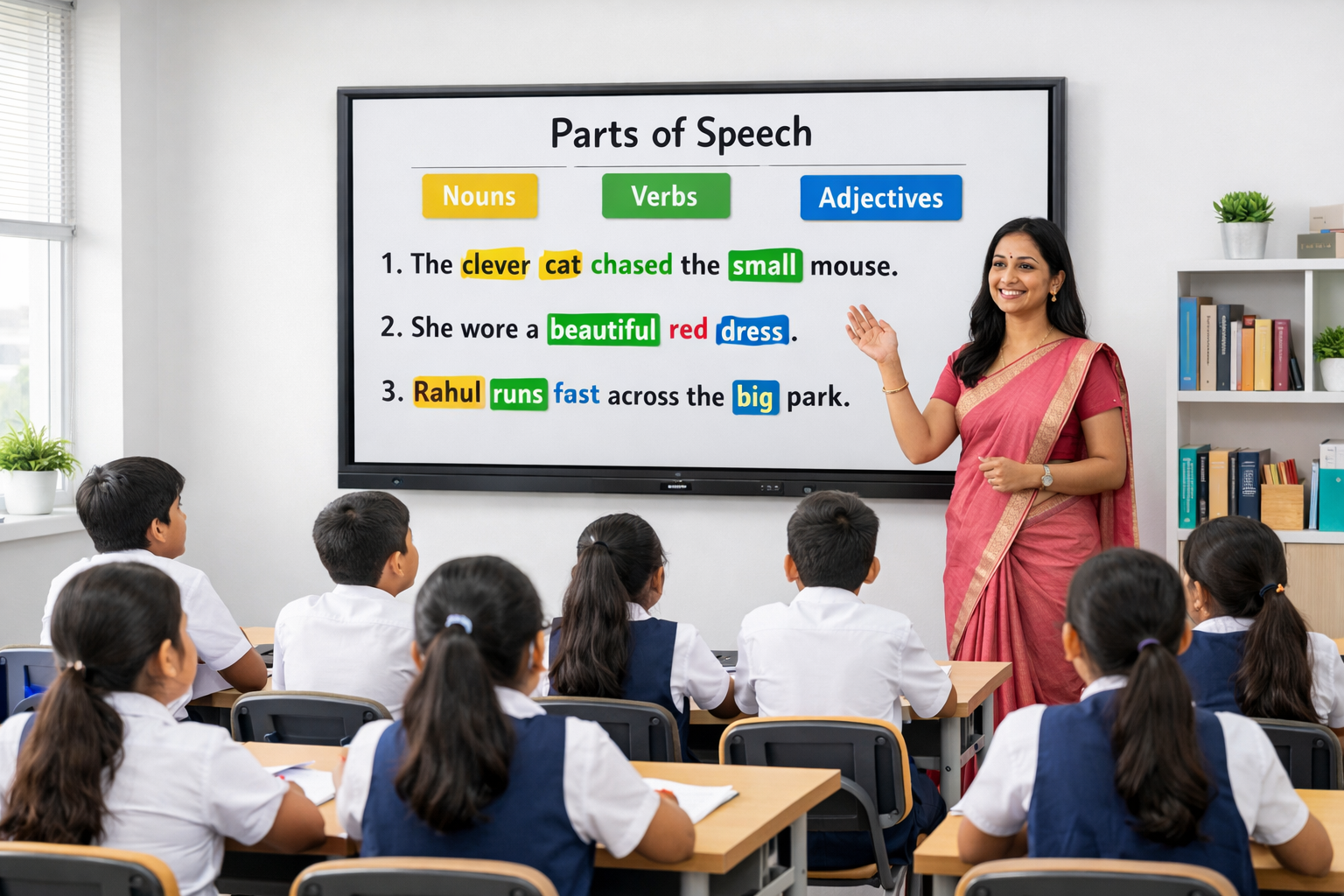
Across India, schools are increasingly exploring digital infrastructure that can support this transition. Digital Boards for teaching are becoming an important part of this transformation because they bring visual learning, interactive instruction, multimedia resources, collaboration, and connected classroom capabilities into everyday lessons.
When implemented effectively, Digital Boards can help schools move from occasional technology use to a more consistent digital teaching experience across classrooms.
Why Digital Boards Matter for School Digital Transformation
A school's digital transformation strategy should ultimately improve what happens inside the classroom. Technology should make it easier for teachers to explain concepts and provide students with more opportunities to engage with lessons.
Digital Boards can contribute to this transformation in several ways.
Teachers can move between written explanations, videos, diagrams, presentations, educational applications, and online resources during the same lesson. Students can interact with classroom content, while lessons can become more visual and participative.
This makes the Digital Board an everyday teaching platform rather than technology used only for occasional presentations.
Teachmint X – Digital Board for Teaching for Modern Schools
Teachmint X Digital Board for Teaching is built specifically for educational environments and supports schools looking to strengthen their digital classroom infrastructure.
It combines AI-powered teaching assistance, a modern Android environment, connected classroom capabilities, interactive teaching tools, and cloud-based features that help educators integrate digital practices into their regular teaching workflows.
Key Features Supporting School Digital Transformation
EduAI Assistant
One of the important elements of digital transformation is enabling teachers to use technology to work more efficiently.
The EduAI Assistant helps educators create teaching resources such as:
- Lesson plans
- Classroom quizzes
- Homework creations
- Revision materials
- Teaching support content
Teachers can adapt these resources based on their subject, grade, topic, and classroom requirements.
Google EDLA Certified with Android 16
Teachmint X is Google EDLA Certified with Android 16, giving schools a secure and modern environment for accessing compatible educational applications and Google services.
This helps institutions build classrooms around an updated operating platform with enhanced security, application compatibility, and reliable software support.
Connected Classroom Tools
School digital transformation extends beyond displaying content on a screen. Teachers need tools that connect classroom instruction with everyday academic activities.
Teachmint X supports connected classroom workflows involving learning materials, assignments, assessments, and classroom activities, helping educators manage digital teaching more effectively.
Interactive Multi-Touch Experience
A Digital Board can turn students from viewers into participants.
Teachers and students can interact with content directly, write and annotate information, work through questions, highlight key concepts, and participate in collaborative classroom exercises.
Cloud Whiteboard Sync
Teachers frequently build valuable content while explaining a topic on the board.
With Cloud Whiteboard Sync, classroom annotations and whiteboard work can be saved, helping educators revisit previous explanations, continue lessons, and make classroom content available for future reference.
Built-in Camera and Microphone
Integrated audio and video capabilities support online sessions, hybrid learning, virtual guest lectures, teacher training, and collaboration between classrooms.
For schools developing flexible learning models, this creates additional possibilities beyond conventional classroom teaching.
How Digital Boards Support School-Wide Transformation
1. Move from Static to Dynamic Lessons
Traditional boards primarily support written instruction. Digital Boards allow teachers to combine writing with images, animations, videos, presentations, and other digital resources.
A geography teacher, for example, can annotate a map while explaining a topic, while a science teacher can combine diagrams with visual demonstrations.
2. Encourage Student-Centred Learning
Digital transformation should create opportunities for students to become more involved in lessons.
Interactive activities, collaborative problem-solving, classroom quizzes, and direct board interaction can encourage students to participate instead of only observing the teacher.
3. Help Teachers Adopt Digital Teaching Gradually
Introducing too many disconnected tools can make digital adoption difficult for teachers.
A Digital Board provides a central classroom interface where educators can combine familiar board-based teaching with newer digital resources. This can make the transition towards digital teaching more practical.
4. Create Consistency Across Classrooms
For schools deploying technology across multiple grades and classrooms, consistency matters.
Using a common digital teaching environment can help teachers become familiar with classroom technology while giving students a more consistent learning experience across subjects.
5. Enable Flexible Teaching Models
Digital Boards can support conventional classroom teaching as well as hybrid sessions, online interactions, guest lectures, and collaborative activities.
Schools therefore gain classroom infrastructure that can adapt to different teaching requirements over time.
Digital Boards Across Different School Subjects
Mathematics
Teachers can solve problems step by step, annotate equations, display graphs, and involve students in problem-solving activities.
Science
Digital diagrams, videos, illustrations, and interactive explanations can make abstract scientific concepts easier to understand.
Languages
Teachers can annotate passages, conduct vocabulary activities, display multimedia content, and encourage collaborative exercises.
Social Sciences
Maps, timelines, historical resources, charts, and visual content can help make lessons more contextual.
Computer and Skill-Based Learning
Teachers can demonstrate digital workflows and applications directly to the entire classroom while students follow the process.
What Schools Should Consider Before Choosing a Digital Board
Digital transformation is a long-term initiative, so schools should consider more than the initial hardware specifications when evaluating Digital Boards.
Important factors include:
- Ease of use for teachers
- Responsive touch and writing
- AI-assisted teaching capabilities
- Google EDLA certification
- Updated Android platform
- Educational application compatibility
- Cloud-enabled teaching features
- Built-in camera and microphone
- Classroom collaboration capabilities
- Software updates and security
- Teacher onboarding and training
- Reliable after-sales support
- Scalability across multiple classrooms
The right choice should fit naturally into the school's teaching environment and remain useful as its digital strategy evolves.
Why Teachmint X Supports a School's Digital Transformation Journey
Teachmint X is designed around the needs of educational institutions rather than simply functioning as a classroom display.
Its EduAI Assistant supports teacher productivity, while Google EDLA Certified Android 16 provides a secure and updated digital environment. Connected Classroom Tools help integrate classroom activities, while Interactive Multi-Touch, Cloud Whiteboard Sync, and the Built-in Camera and Microphone enable multiple forms of teaching and collaboration.
Together, these capabilities can help schools build a digital classroom environment that supports both educators and students.
Conclusion
School digital transformation is most effective when technology becomes a natural part of everyday teaching rather than an occasional addition to the classroom.
Digital Boards can support this transition by giving educators one platform for interactive explanation, multimedia learning, classroom collaboration, digital resources, and connected teaching activities.
For schools in India planning their digital transformation, Teachmint X Digital Board for Teaching brings together EduAI Assistant, Google EDLA Certified with Android 16, Connected Classroom Tools, Interactive Multi-Touch Experience, Cloud Whiteboard Sync, and a Built-in Camera and Microphone to support engaging and future-ready classrooms.